Agentic AI Workflow Woes: Cursor Edition
- Published on
- · 8 min read
- Author
-
-

- Name
- Jen Chan
-
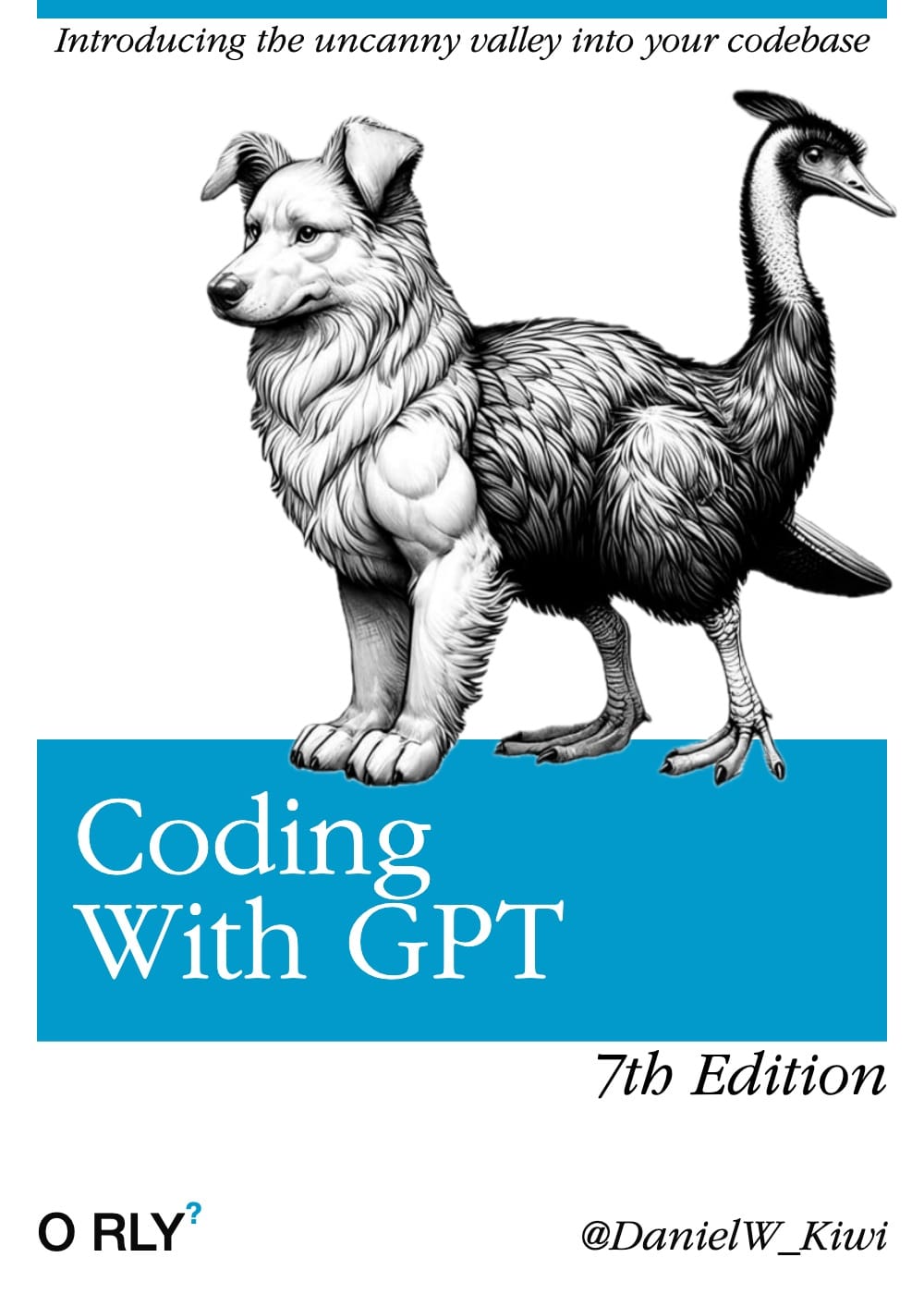
Ubiquity has the effect of making AI-assisted devtools sound way more effective than they are. If everyone and their mom is using AI to ship faster, I too must partake!
In this post, I’ll be sharing some of the drudgery with vibe coding and trying to build an “agentic” workflow with Cursor.
TLDR; Workflows where the LLM-assisted agent is highly possible, but require a LOT of config, oversight and tuning to keep on track. Depending which model you choose, the quality and precision of execution can vary.
A Most Basic Time Sink
Let’s look at a common frustration with prompt-based programming: assuming that since a task uses popular tech and the request is pedestrian, the LLM should handle it easily. Instead, you waste time debugging and reworking the invalid output into something functional. 🤦🏻♀️
The weekend vibe-coding popped off, I asked Cursor to add a 90s raver Tailwind theme this Next 15 blog. Yes, all it had to do was add a new theme next to 2 existing ones.
The prompt:
Redo this theme in a 90s era raver colors that will stand out on a white or black background. Think Lisa Frank and old school Apple or Windows 95. Use tailwind 4 theme variables.

I had no expectations and was delighted. Entering unhinged instructions and seeing what would come out reminded me of the kludging I did with Three.js and JQuery before I became a dev.
![Code diff between existing tailwind.css theme and the vibe-coded one]blog/2025/agentic-ai-workflow-woes/css-variables.png
Actually, it just added extra CSS variables to tailwind.css, and when I tried to add it as a separate theme to the light, dark and system themes so that users could toggle between their theme of choice, this immediately fell apart. I ended up spending 2 hours on detaching and adding/editing the theme.
Given the popularity of Tailwind, I thought this was a solved problem.
Plot Twist: Claude doesn’t seem to synthesize information even if it knows to perform a web search for the latest doc. I had just upgraded this blog to Next 15 and using Tailwind 4, and the docs didn’t include strategies for supporting multiple themes. I might add that Claude Sonnet 3.5 model I was using had training cut off in April 2024, which might have played a part. 1
There was an attempt to build an “agentic” workflow
Now and then, FOMO arises from reading the published opinions of Successful, Experienced dev veterans and Linkedin Gurus. Maybe, just maybe, I’ve been using code-assistants wrong? Recent shitposts by Geoffrey Huntley and the rather brilliant Cursor Custom Rules Generator by Brian Madison inspired me to give it another try.2
So I started making a standard library of Cursor rules with a workflow using on my $20 Pro license. I tried to adhere to building with prompts as much as possible… but inevitably ended up needing to intervene a ton.
Much like building a framework or library, devs who went down this path prompt-wrote and edited for rule-generation.

@usrrname/cursorrules
A wicked npx-able lib of cursorrules with Otaku AI agents, optional lean workflow 🎀

The vibe-coded landing page (๑>◡<๑)
'KawaiiSamurai, turn all the AI agents into Pokemon cards!'
I made a CLI of it so I could bootstrap any project I’d work on.
Try it out in a new project folder:
npx @usrrname/cursorrules --flatSo I built myself a team of 6 agents who talk like otaku freaks, and then asked Cursor to visualize them as Pokemon cards. It did all its work within internal <style> and <script> tags on an index.html file, which of course grew crazy long and hard to extend.
tech debt intensifies
Oh what the hell, it’s vibe coding.
I made a rule enforcing the weeby agent communication style ♡✧˚ ༘ ⋆。♡˚
![Screenshot of cursor chat window]blog/2025/agentic-ai-workflow-woes/kyaa.png
I was quite pleased how well all the models reproduced this vibe. Each agent had a distinct personality and many models seemed to take that into account quite well. Claude Sonnet 3.5 probably threw the most in-character responses. ThirstySimp even deliberately derails with bikeshedding and imposter syndrome.
The text was looking rather faint, so I asked it to make the text contrast ratio more accessible (4:5:1).
![Screenshot of vibe coded Pokemon cards containing AI agents]blog/2025/agentic-ai-workflow-woes/a11y-pokemon-cards.png
In full self-referential fashion, I tried to reproduce this vibe coding chat window, and was partly successful.
![Screenshot of vibe-coded chat window displaying the prompt to SailorScrum agent]blog/2025/agentic-ai-workflow-woes/vibe-coding-2.png
On the workflow front, there were fast wins with getting the agent to create rules as well as commit and push to Github.
![Screenshot of godmode AI agent]blog/2025/agentic-ai-workflow-woes/godmode-commit.png
Isolated, atomic parts of the workflow delivers when the agent is summoned to work on creating a user story, or to execute a task. However, agent behaviour becomes chaotic, compulsive and requires repeated intervention and refining when turned into a sequence.
The desired outcome would be a controlled series of task breakdowns with many checkpoints to keep it on course, like reviewing student work that doesn’t truly understand and easily flies off the rails.
If there is no prior art or precedence that was widely discussed for a model to be trained on, you’d have to use another way means to inject extra context into the editor, such as using an MCP server. Integrating this experience hasn’t been smooth in Cursor as it is in Claude when I tried in March.
A Workflow It Is; Productive, It Ain’t
Amongst the litany of issues I ran into, the following seemed the most irksome:
- Cursor isn’t transparent about context window size, token usage, or the model that’s “Auto-selected” in Agent Mode. 3
![Screenshot of attempt to log Cursor context size versus the Cursor chat context size]blog/2025/agentic-ai-workflow-woes/cursor-context-mystery.png
Every chat has a three-dot dropdown count, but it’s unclear which model is being selected as part of “Auto Select” in Agent mode.
I tried to add rule that would log the context size and number of remaining requests on the Pro subscription, but it was wildly inaccurate. Natural language rule quirk: it appears certain keywords will export read-only values when interpolated into a cursor rule, for example, {context_size}.4
The markdown-adjacent .mdc format of Cursor Rules also seems to support Javascript template literals, so this can be a confusing readability gotcha when you have rules that work like this:
<rule>
name: context-info-display
...
actions:
- type: append
    content: |

    ---
    Account Status: {getAccountInfo().account_status}  // JS template literal
    Subscription: {getAccountInfo().subscription_type} // JS template literal
    Usage-based Pricing: {usage_pricing_enabled}       // read-only env variable`
    Monthly Requests: {calculateUsage().requests}/{calculateUsage().maxRequests}

    Model Usage: {model_name}  // read-only env variable
    {formatModelUsage(calculateUsage().modelUsage)} // JS template literal

    Context size: ~{context_size}k tokens {context_size > 40 ? "(Large Context Mode)" : ""} // read-only
    Max Context Size: {context_window_size} // read-only env variable
For more, check out my hell-raising bug report on the Cursor Forum
-
Any automated sequence of actions requires checkpoints and refinement of prompt rules to keep agent behaviour on track.
It’s unclear whether the time investment is worth it, especially if the thing you’re working on involves uncharted territory. I found myself constantly going back to update rules in workflow files or finding missed steps.
For example, at the start of a technical spike the agent checked out a branch, and started writing example code, but none of the dependencies supporting the proof of concept had been installed yet.
-
If you’re not familiar with the stack you’re prompting it to build, it will be hard to tell whether the architecture created is sound or totally puff.
-
YOLO-ing the whole thing is not really an option.
Agents are prone to “overdo” tasks that are poorly defined. You may fine an excess of story and task
.mdfiles being produced, or templates that contain way too much generalized agile project buzzwords (For example, a “knowledge handoff” through producing documentation is not important when you are only working with agents).The initial iteration of a single task might look good enough at first, so it’s tempting to approve and let the agent do the work, but indiscriminate approval tends to result in outcomes and code bloat that veer off course, real fast. And then it would be much easier for you to just hand code it.
Conclusion

I don’t think workflows are ready for primetime yet… or perhaps Cursor’s not the best tool for it. Maybe a different code editing tool will overtake it next month.5
While AI coding assistants like Cursor show promise, the reality of building an “agentic” workflow with Cursor requires significant investment in configuration, oversight and prompt engineering. The time spent crafting, testing and refining agent rules may outweigh the productivity gains, especially for novel or complex development tasks.
For now, I’m comfortable with using this project as a config palette of scaffolding, code standards and formatting opinions for bootstrapping projects instead of a workflow automator.
Footnotes
-
Anthropic, “How up-to-date is Claude’s training data?”, 2025. ↩
-
Geoffrey Huntley, “You are using Cursor AI incorrectly…”, Feb. 8, 2025. ↩
-
Cursor Forum. “How to: Show current context size”, Jan. 31, 2025. ↩
-
Cursor Forum. “How to: Show current context size”, Feb. 1, 2025. ↩
-
Reddit. “Cursor Agentic AI Endgame” ↩